Start Your Video Journey
Transform your ideas into stunning videos with FunMedia's advanced AI video generator. Create captivating videos from text or images instantly.
Related Guides
Step-by-step tutorials and prompt examples for creating better AI videos.

AI Video Guides
How to Create AI Videos from Text & Photos: Complete Text-to-Video Guide
Learn how to create AI videos online with FunMedia. This guide covers text-to-video, image-to-video animation, prompt writing, 768P/1080P settings, and how to make short clips for TikTok, Reels, and YouTube Shorts.
AI Video Guides
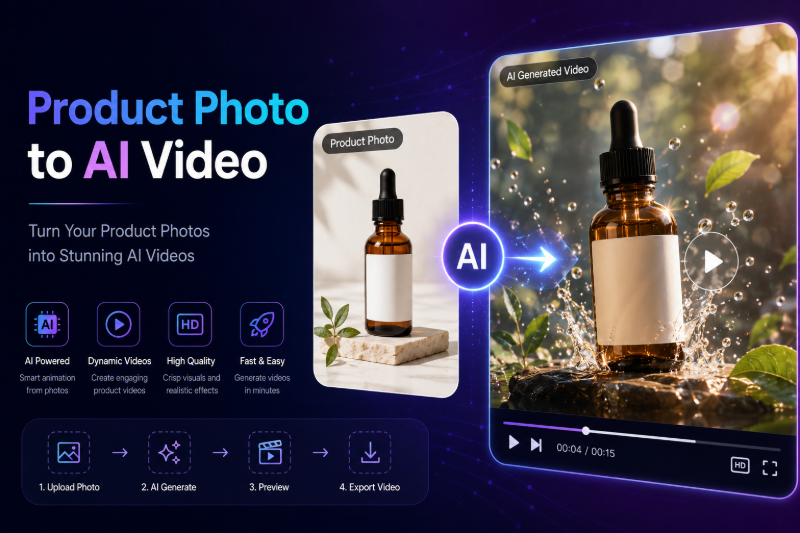
How to Turn a Product Photo into an AI Video for Ads & Social Media
Learn how to turn a product photo into an AI video for ads, TikTok, and Instagram. This guide covers image-to-video settings, motion prompts, 768P vs 1080P, and a repeatable workflow for e-commerce sellers on FunMedia.
AI Video Guides
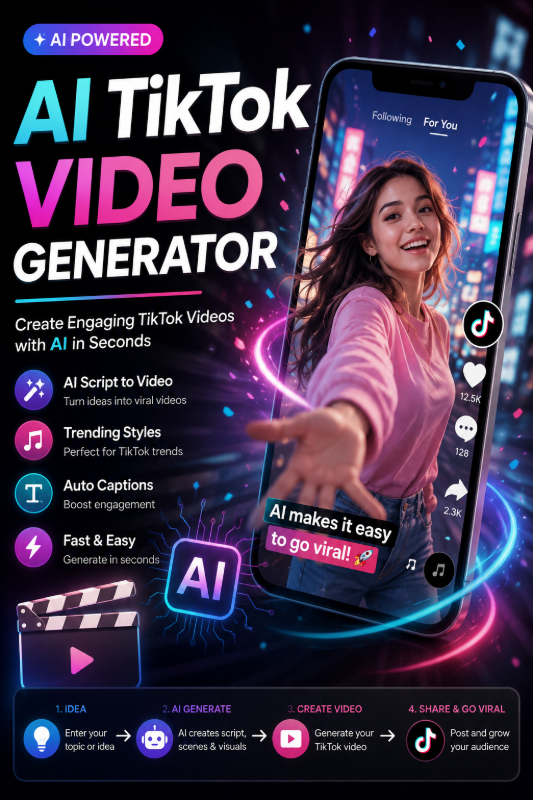
AI TikTok Video Generator from Text — Create Viral Clips Online
Create TikTok videos with AI on FunMedia. This guide covers text-to-video for viral hooks, 9:16 vertical format, 6-second loops, image-to-video for product clips, and copy-ready prompt tips — built for TikTok creators.
Prompt Examples
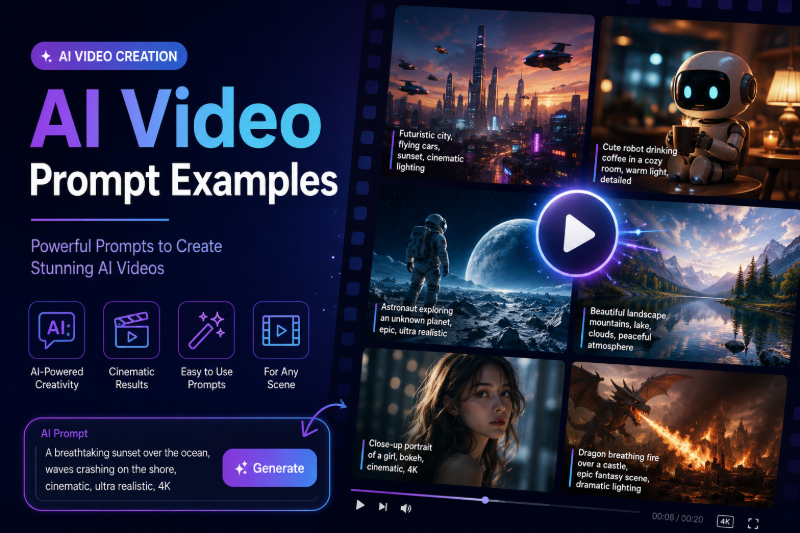
50 AI Video Prompt Examples for TikTok, Reels & YouTube Shorts
50 ready-to-use AI video prompt examples for TikTok, Instagram Reels, and YouTube Shorts. Copy text-to-video and image-to-video prompts for FunMedia — hooks, products, cinematic scenes, and motion prompts.
AI Video Generator FAQ
Common questions about creating videos from text or images with FunMedia.
FunMedia is an online AI video generator that turns text prompts or still images into short, high-quality videos. You can create content for social media, product demos, and creative storytelling without editing software.